technology
The Konihaus™ App: Your Home at a Glance
· KoniA Smart Home You Do Not Have to Keep Operating
A good smart home works in the background: the heating drops when nobody is in, the blinds follow the sun, the lights go off. All of this runs on its own. Still, there are moments when you want to check in or step in: is the bedroom window still open? How much electricity did we use today? That is what the Konihaus™ app is for.
From today you can get a first look at app.konihaus.ch. The app itself runs in your own system, like everything else at Konihaus™.
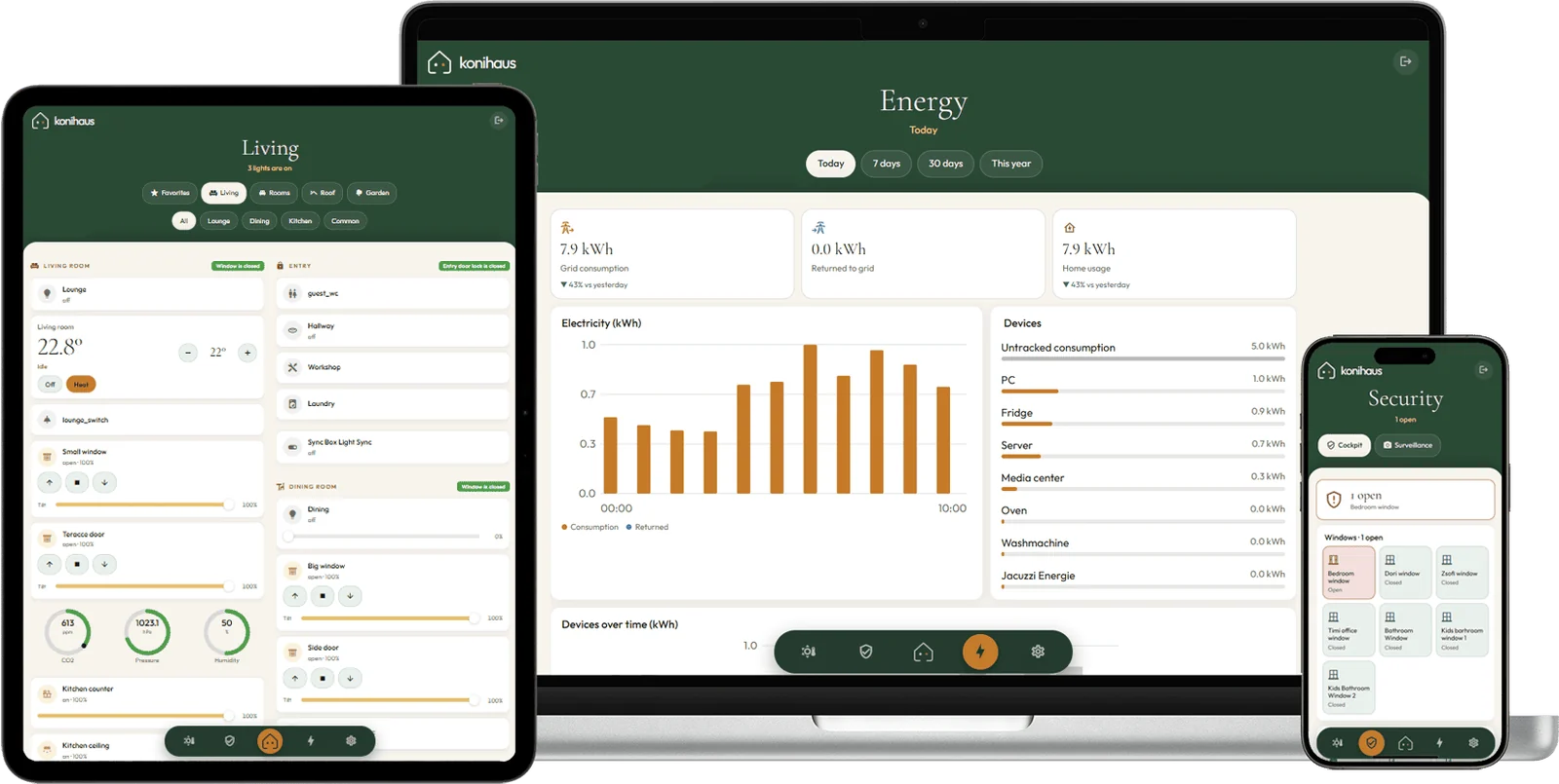
One Smart Home App, Every Device
The interface adapts automatically: on a smartphone it is a calm, single-column view. On a tablet or a computer it arranges itself in several columns, so you see more at once. As a wall panel in the kitchen it works just as well as at a desk.
Today you simply open the app in the browser and can place it on your home screen, where it behaves like a regular app.
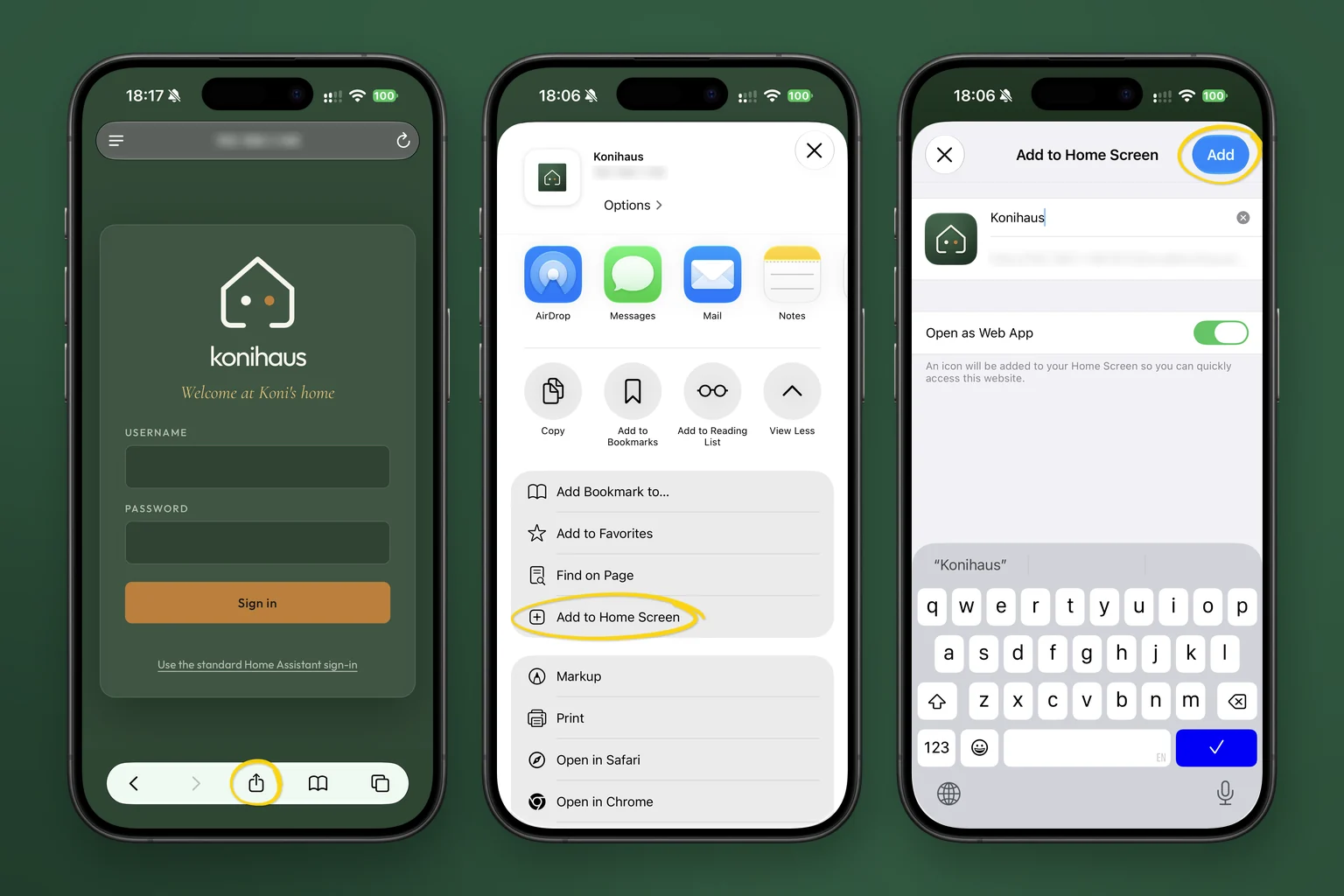
Five Areas, One Bar
At the bottom of the app is a simple bar with five areas: Climate, Security, Home, Energy and Settings. That is all there is to learn.
Home: Favorites and Rooms
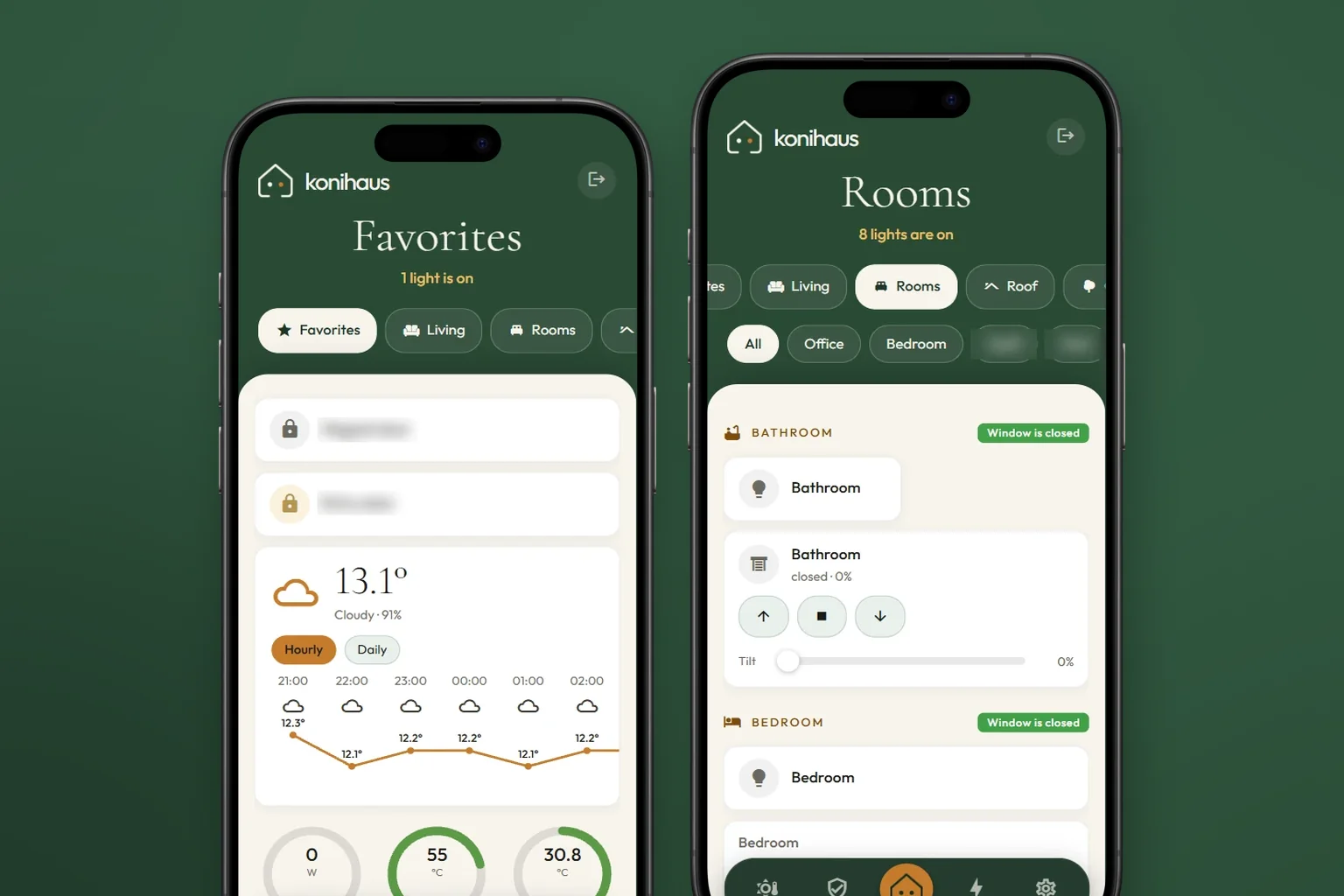
The start is the Home view. At the top you pick an area, for example Favorites, Living, Rooms, Roof or Garden, and below it the individual rooms. Each room shows what really matters there:
- Lights on and off, with a slider when the lamp is dimmable.
- Blinds up, stop, down, with position and tilt.
- Heating with current and target temperature, adjustable right there.
- Scenes that switch several devices at once.
- Weather with an hourly or daily forecast.
- Window status per room, for example "Window is closed".
Favorites collects what you need every day on one page.
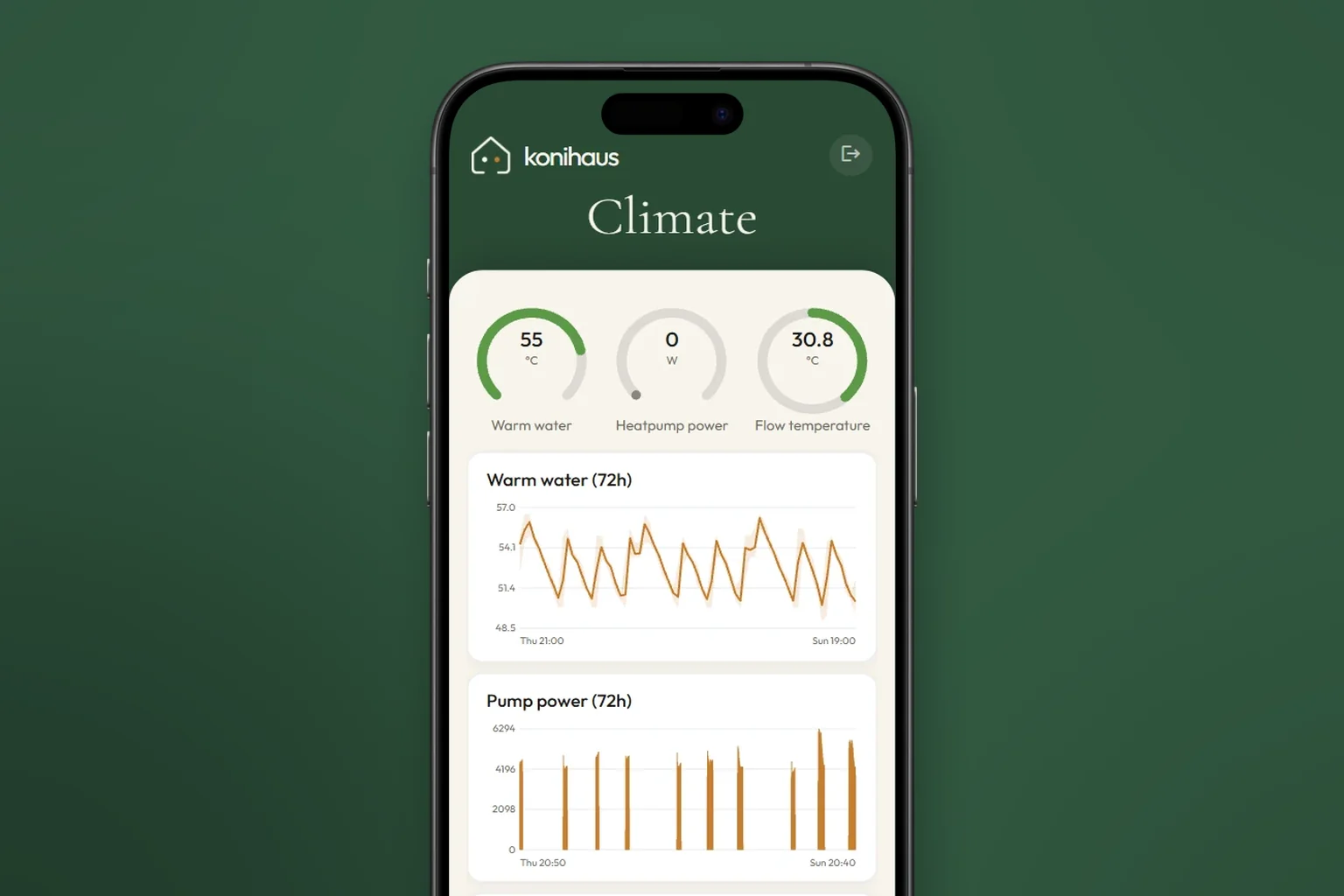
Climate
Here you see how your house behaves over time: hot water, power and flow temperature of the heat pump as key figures and as trend charts over the last days. That lets you spot patterns instead of only seeing a single value.
Security
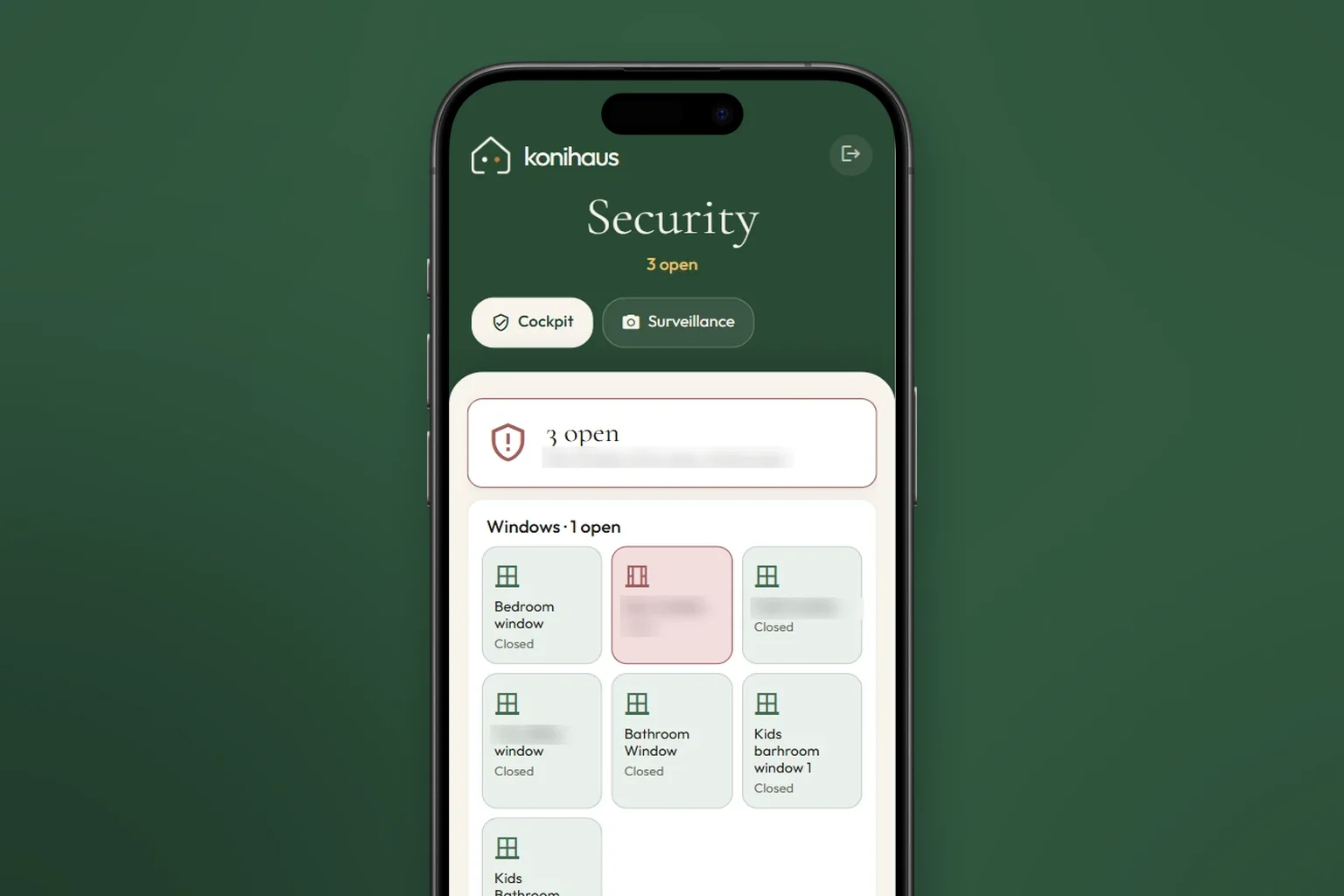
The Security area answers a simple question: is everything closed? The "Cockpit" shows at the top how many windows, doors or roof windows are open, and lists them. Below, all windows, doors and roof windows are grouped as tiles. Anything open is marked in colour, anything closed stays quiet. For the front door you can see whether it is locked.
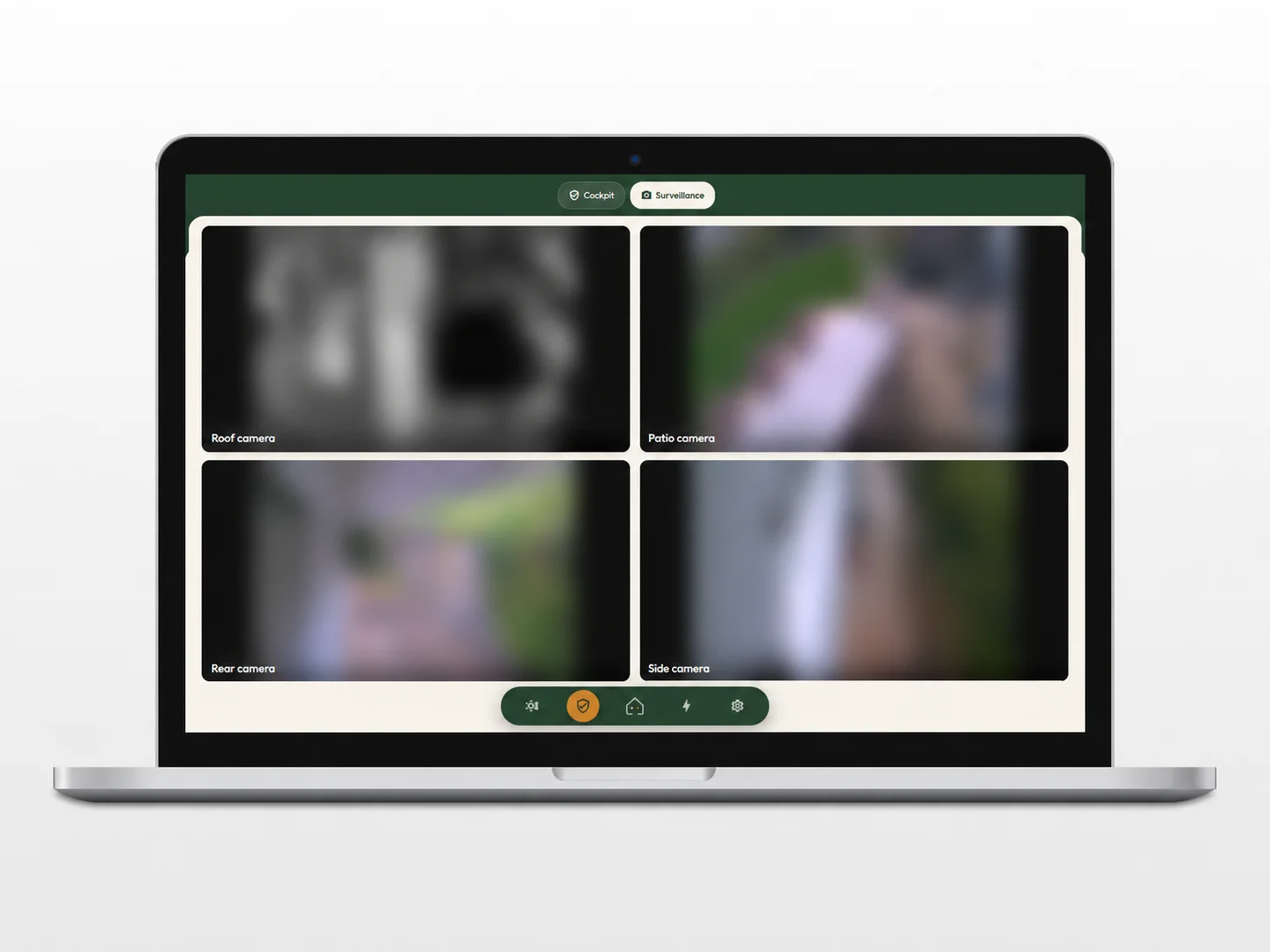
The second tab, "Surveillance", shows your cameras if you have connected any.
Energy
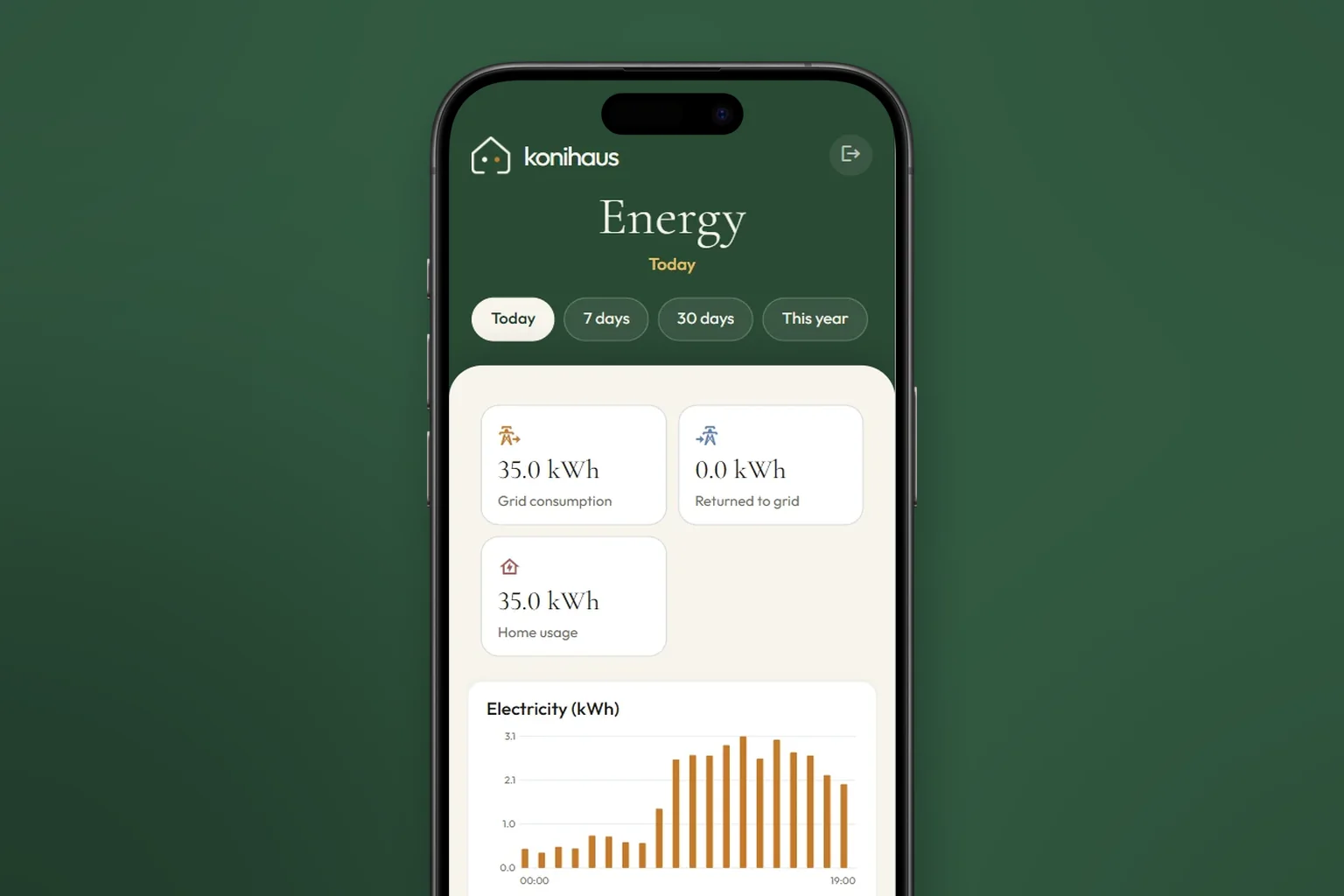
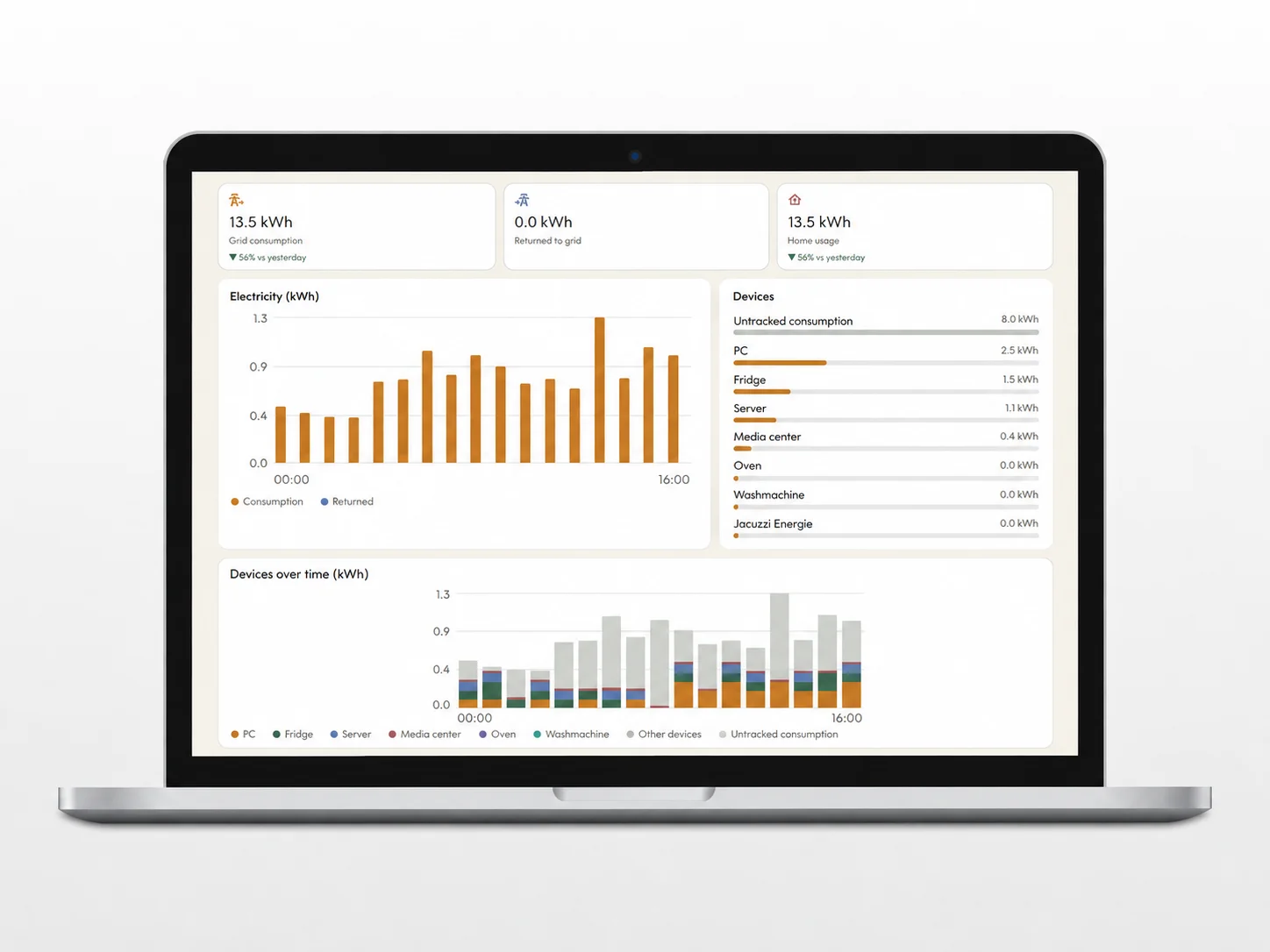
The Energy view turns meter readings into something you can understand. You choose today, 7 days, 30 days or the whole year and see:
- Grid consumption and feed-in, if you have a solar system.
- Solar and battery, where present.
- Home usage and the daily average.
- Gas and water, where they are recorded.
- Cost, when a price is set.
- A comparison with the previous period, for example "43% less than yesterday".
- A chart of the trend and a device list showing what drives the usage.
On large screens the key figures sit side by side, and the chart and device list share a row. How energy is then saved in daily life is described in Warm When You Arrive, Quiet When You Leave.
Settings
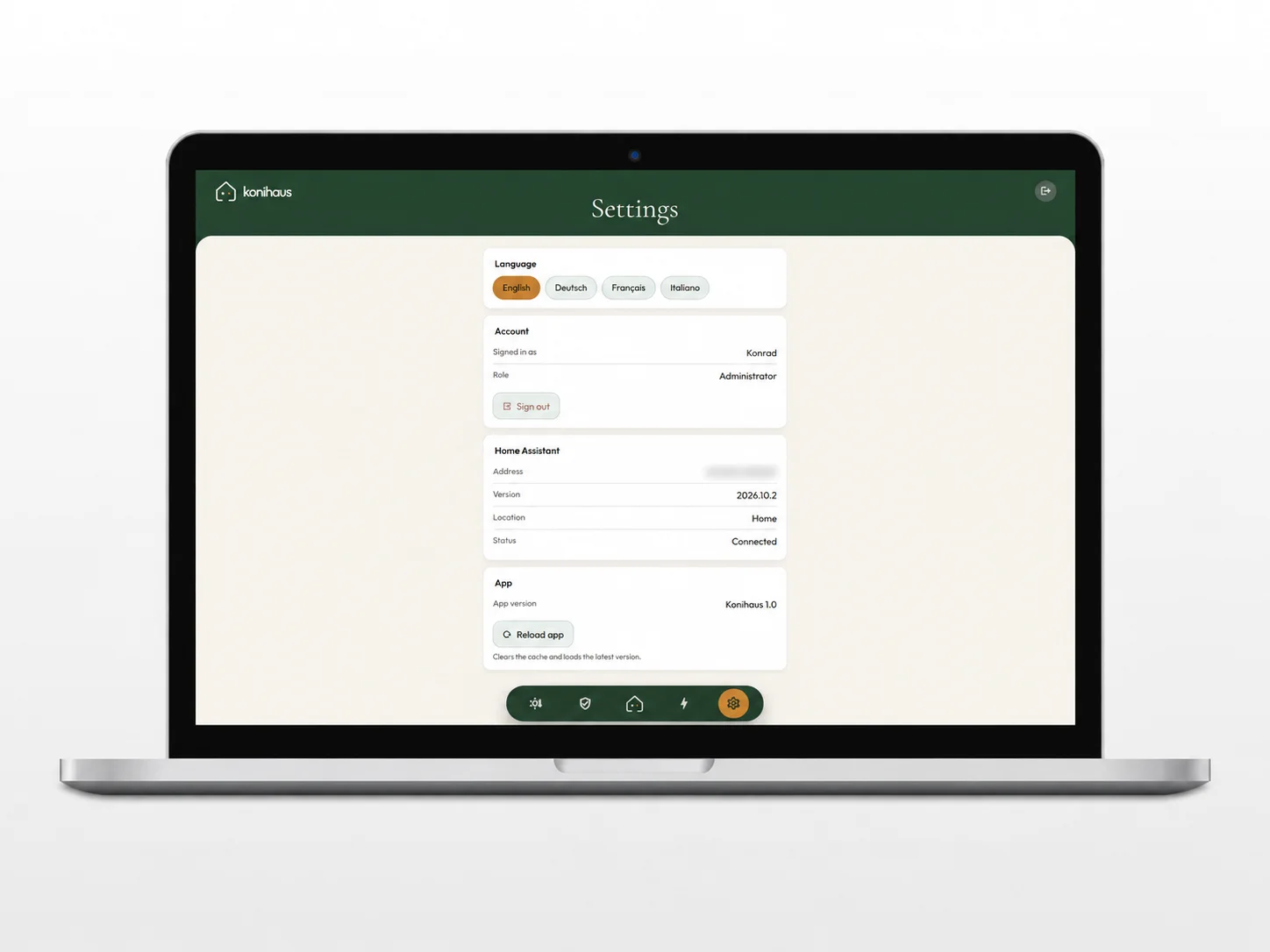
Here you set the language: English, Deutsch, Français or Italiano. You see which account you are signed in with and whether the connection to your system is up. Signing out and "Reload app" are a button each. There is deliberately nothing more.
Tailored to Your Home
Every installation gets its own interface. Which rooms exist, what they are called, which windows and doors count towards the security overview and which areas appear at all, I set up for your home. Tiles for solar, battery, gas or cameras only appear if that data exists in your home. Name, logo and colours can be adapted too.
The app is built on Home Assistant and reads what your system already knows. You do not have to maintain anything twice.
Local, Private, Calm
The app talks directly to the Home Assistant in your home. Sign-in goes through its own login, and there is no Konihaus™ cloud your data passes through. Away from home you reach it through the encrypted private access we set up for you. You can read more about this principle in Your Home, Your Data: Privacy by Default.
And it is calm: no ads, no flood of notifications, no obligation to open it. The automations keep running even if you do not look at the app for weeks.
One Honest Note
The app is new and is being developed continuously. It is not an alarm system and not an emergency service: the security view shows you the state of your sensors, it does not replace an alarm system. In an emergency, always call the usual emergency numbers.
The images in this post come from a real installation. Personal details have been blurred.
See the App
On app.konihaus.ch you can see the app in pictures. How it would fit your home, we can talk through in a free consultation, and I am happy to show you the app live on a real installation.
Thinking about your own home? Talk to Koni about what would actually make a difference in yours — no obligation, no sales pitch.