safety
Smart Locks and Doors: The Front Door's Three Jobs
· KoniThe front door has three jobs. It lets the right people in, it tells you whether it is closed, and it tells you who is standing outside. A smart home can help with all three, and each one is a different device: a lock, a door contact and a doorbell.
This is the fifth post in the series on the parts of a smart home, after smart lights, blinds, sensors and heating. Same questions as before: what does it do for you, what should you check before buying, and where are the honest limits. This post covers the lock and the contact. The doorbell and the question of who is outside deserve a post of their own later this month.
Job one: let the right people in
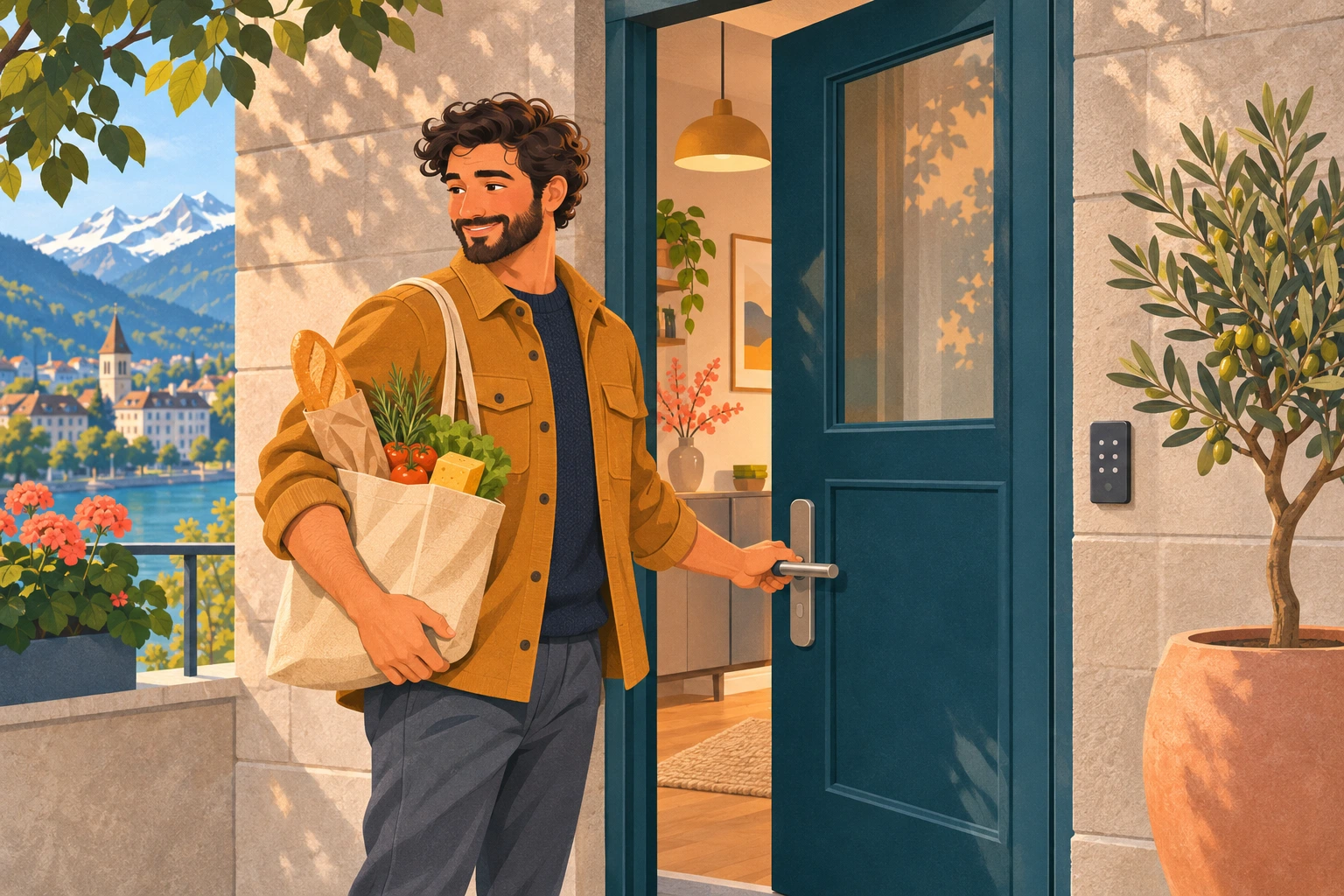
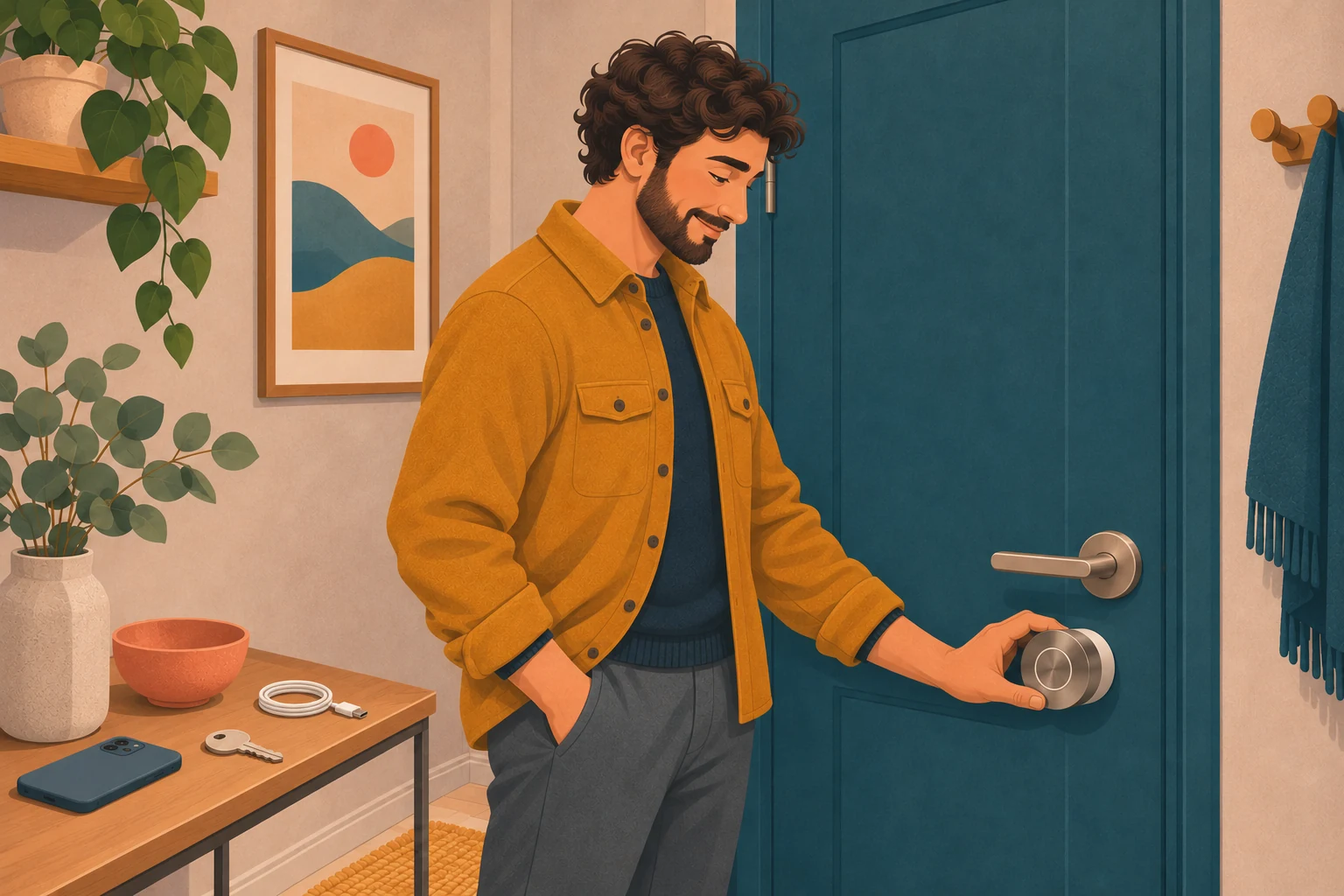
The best part of a smart lock is not opening the door with your phone. It is that you can give somebody access without handing over a key.
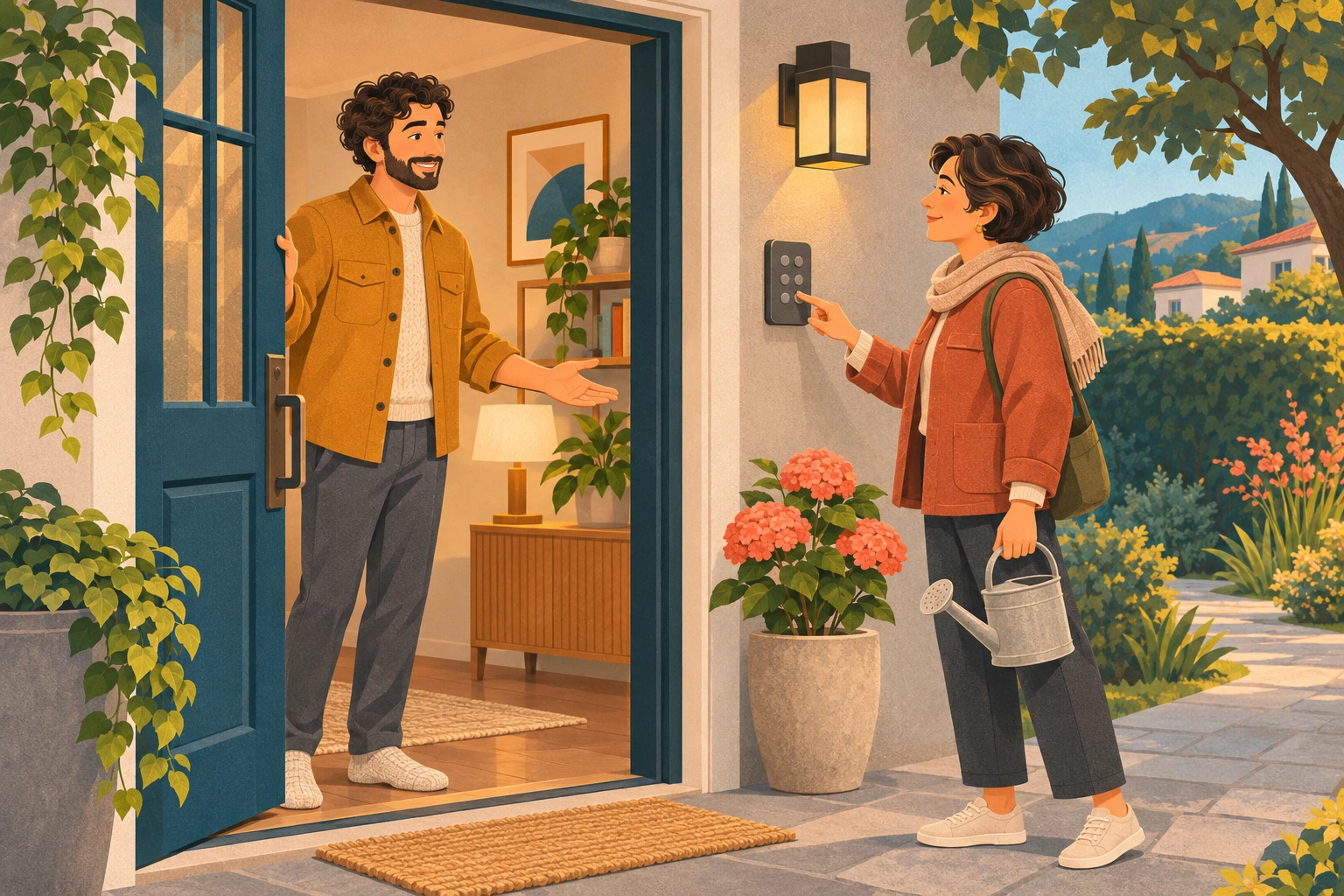
- A time-limited code for the cleaner, valid on Thursday mornings only.
- A code for the neighbour who waters the plants while you are away, which you switch off when you are back.
- Access for maintenance visits, for example when you renovate or the mechanic has to fix the washing machine, which you can see in the log and end when the job is done.
- Family without keys. Children and guests don't lose a code the way they lose a key.
- Auto-unlock as you arrive, if you want it, and locking again when you leave.
None of that needs a locksmith, and none of it leaves a copied key in somebody's drawer.
Job two: is it closed?
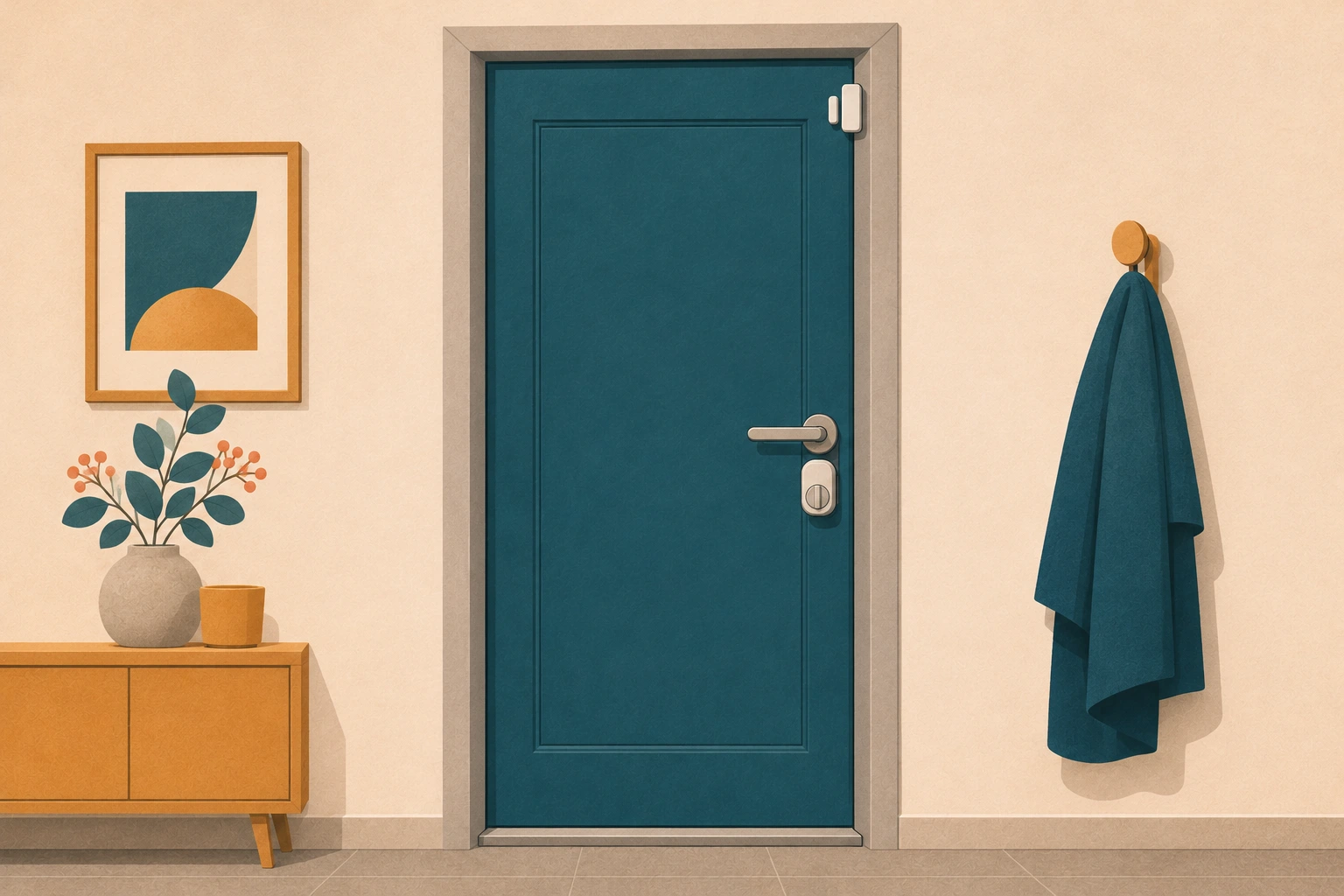
A lock knows whether the bolt is thrown. It does not know whether the door is shut. A door contact, the small sensor from the sensors post, closes that gap. Together they answer the question we all ask in the car: did I lock the door? A good evening check then reads: "The front door is closed but not locked", or "still open", and sends a message, or locks it for you.
What you can buy in Switzerland
Prices as of 29 October 2026. They change and stock varies, so treat them as a guide.
The door contact is a sensor, and what you can buy for it in Switzerland is listed in the sensors post. The locks follow here.
Nuki is a well-known name here. Digitec lists the Smart Lock Pro (4th generation) in a CH-cylinder version. Price and availability vary, so check before you order. It supports Matter, has an integrated Wi-Fi module, auto-unlock, up to 200 individual access rights and an entry log, and installs without screws or drilling. Home Assistant's own team tested and certified three Nuki locks in July 2025: the Smart Lock Go, the Pro and the Ultra. They connect over Matter over Thread, work locally, and need no cloud account. The Nuki app is needed for setup, and remote access later needs either the Nuki app or Home Assistant Cloud.
Aqara sells the Smart Lock U200 at EUR 189.99 in its EU store. It has fingerprint, PIN (including temporary guest passwords), NFC cards and Apple Home Key, and speaks Thread, Bluetooth and Matter over Thread. Aqara states that the lock needs its M3 hub. It is specified for Euro profile cylinders, not Swiss ones, so check compatibility with your cylinder before you buy.
UniFi Access is a different league. It is Ubiquiti's door access system: wired devices that run over the network cable, with an intercom at the door, a hub per door, and electric strikes or magnetic locks instead of a smart cylinder. Swiss shops list the video intercom, the indoor viewer, the door hub and the strikes. If a house or building has several entry doors, a garage door, mailboxes, a doorbell and maybe a magnetic door, this kind of system ties them all together under one set of access rights, and it is much more sophisticated and secure than the cylinders above. It takes planning and cabling, so it is not a weekend job. I have not tried it yet. I want it for me and my neighbours, as we live in semi-detached houses with a shared garage, so I will research it properly, and it deserves its own post.
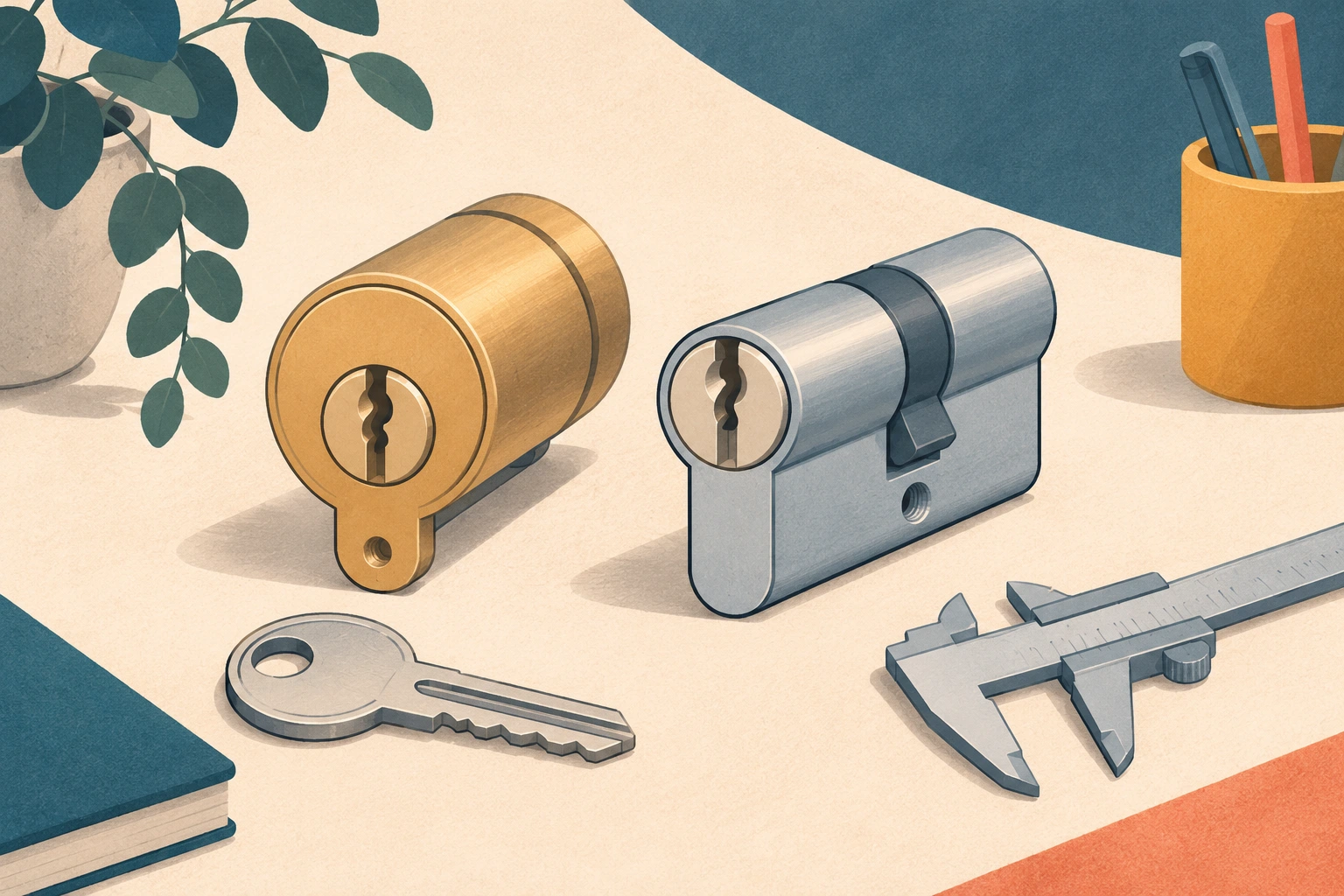
One thing to check before anything else: does your cylinder fit?
Swiss cylinders are not always the same as the European ones. Before you buy any lock, check the cylinder type, whether it has an emergency function (it can be opened with a key from outside even when a key sits in the lock on the inside), and, if you rent, whether you may change it at all. Ask your landlord or property manager first.
Honest limits
The lock must never trap you. The door must always open from the inside, with a handle or a turn, whatever the power, the network or the app does. And the fire exit rule is simple: no smart lock is a reason to make leaving harder.
Keypad codes and the cloud. This is a real gap. Managing a Nuki keypad's codes from Home Assistant, locally, is not available yet. A request on Nuki's developer forum from March 2026 asks for exactly that, over the local interface or MQTT. Until it is there, creating or removing a time-limited code goes through Nuki's own app or its cloud. The lock itself works locally. The code management does not. If time-limited codes are your main reason to buy, ask how they are managed before you decide.
Batteries again. Aqara quotes up to six months on its rechargeable pack at about eight unlocks a day. Nuki's Go uses four AA batteries. Whichever you choose, plan a low-battery warning, and keep a mechanical key somewhere safe.
Don't rely on the phone alone. A flat phone shouldn't mean a locked-out family. A code, a fingerprint or a key should always work as well.
UniFi Access is a project, not a purchase. It needs a wired network with power over the cable, a plan for every door, and a decision for each electric strike or magnetic lock: does it stay locked or open when the power fails? Whichever you choose, the door must still open from the inside. If several households share doors, as we do with the garage, everyone has to agree who manages the access rights. Parts that connect to the mains belong in the hands of a qualified electrician. I haven't built it yet, so treat this section as the questions I will ask, not as a recommendation.
It isn't a burglar alarm. A smart lock is as strong as the door and the cylinder it sits on. It adds convenience and a log, not a stronger door.
How I'd start
- Start with the door contact. It costs little, and "is the front door closed?" is the question you already ask.
- Add the lock once you know your cylinder fits, and your landlord agrees if you rent.
- Create one time-limited code for a real situation, such as the cleaner, and see how it feels.
- Test the bad cases. Flat battery, no internet, no phone. Make sure there is always a way in.
In a Konihaus™ home, the lock and the door contact report to the Greenhub, locally, and the evening check "is the door still open?" runs without the internet. Where code management still needs the lock maker's cloud, I tell you that before you buy. If you don't want to miss the next posts in the series, sign up for the Konihaus™ Blog newsletter below.
Thinking about a smart lock for your home? Talk to Koni. The first conversation is free, with no obligation.