technology
What a Smart Home Hub Actually Is
· KoniToday, Apple's HomeView goes on sale in the US and a handful of other countries. Among other things, it can act as the hub for an Apple home. That sounds technical, and most people nod politely and move on. But the hub is the most important part of any smart home, much more important than the screen on the counter.
So: what is it?
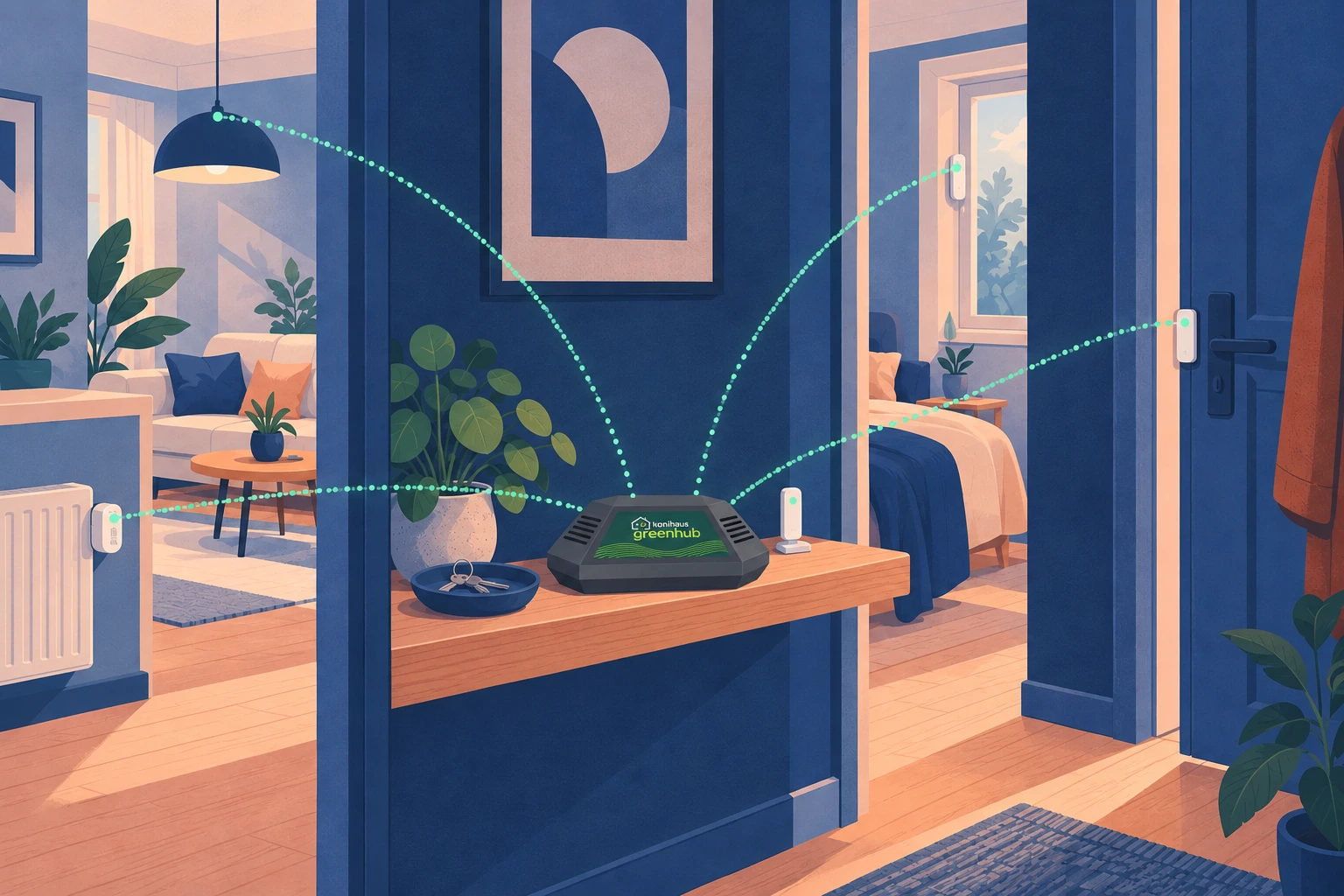
The screen is the window, the hub is the engine
A display shows you your home and lets you tap a button. A hub is the device that actually does the work, all day and all night, whether anyone is looking or not:
- It knows every device: lights, sensors, blinds, radiators, the lock.
- It runs the automations: "if the window opens, turn the radiator down", "half an hour before sunset, switch on the lamp".
- It remembers: temperatures, energy use, when the door was opened.
- It talks every language the devices speak.
Without a hub, every device is on its own, with its own app. With a hub, they work together as one home. That's what I mean by a system, as opposed to a collection of gadgets.
Many homes have several hubs without knowing it
If you have smart lights from one brand, a heating system from another and a voice speaker from a third, you probably have three hubs already: a bridge for the lights, a box for the heating, and the speaker, which often doubles as a hub. Each one does its own thing, and they barely talk to each other. That's exactly the problem I described in my post on vendor lock-in.
The languages devices speak
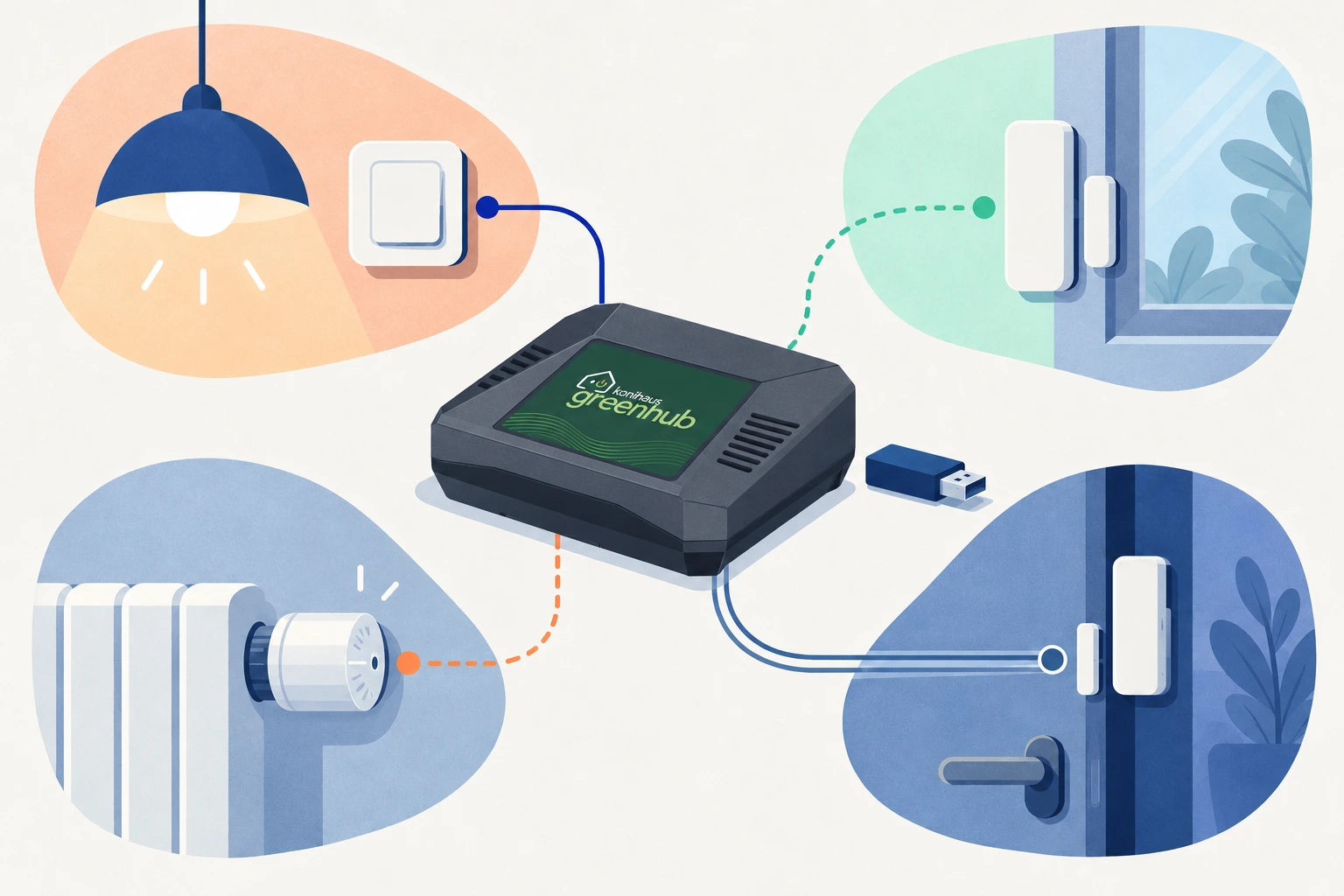
Devices talk to the hub by radio, and there are a few common "languages":
- Wi-Fi, which most people know, works for many devices but isn't ideal for small battery sensors.
- Zigbee, a low-power mesh network, is widely used for sensors, switches and lights.
- Thread is newer and carries the Matter standard, which many big manufacturers now support.
- Z-Wave is another established standard, common in some regions.
A good hub speaks several of these. For radios it doesn't have built in, a small USB stick is added, for example the Home Assistant Connect ZBT-2, which handles Zigbee or Thread.
Where the brain lives matters most
The most important question about any hub is where its thinking happens. Some hubs are mainly a relay to the manufacturer's servers: if the internet or the company's service goes down, so does your home. Others work locally: the automations run in the box in your hallway, and the internet is only needed for things like remote access or weather data.
Three questions to ask:
- What still works without the internet? Ideally: everything at home.
- What happens after a power cut? It should start up again by itself, and a small backup battery can keep it running through short outages.
- What if the manufacturer changes course? That's the question my post Will It Still Work in Ten Years? is about.
The hub in a Konihaus™ home
In a Konihaus™ home, the hub is a small box called the Konihaus™ Greenhub, based on Home Assistant Green, plus a radio stick for Zigbee or Thread. It sits next to your router, uses about 2 to 3 watts, less than a typical LED bulb, and runs everything locally. Backups and updates are part of the service, and your data stays in your home, as described in Your Home, Your Data.
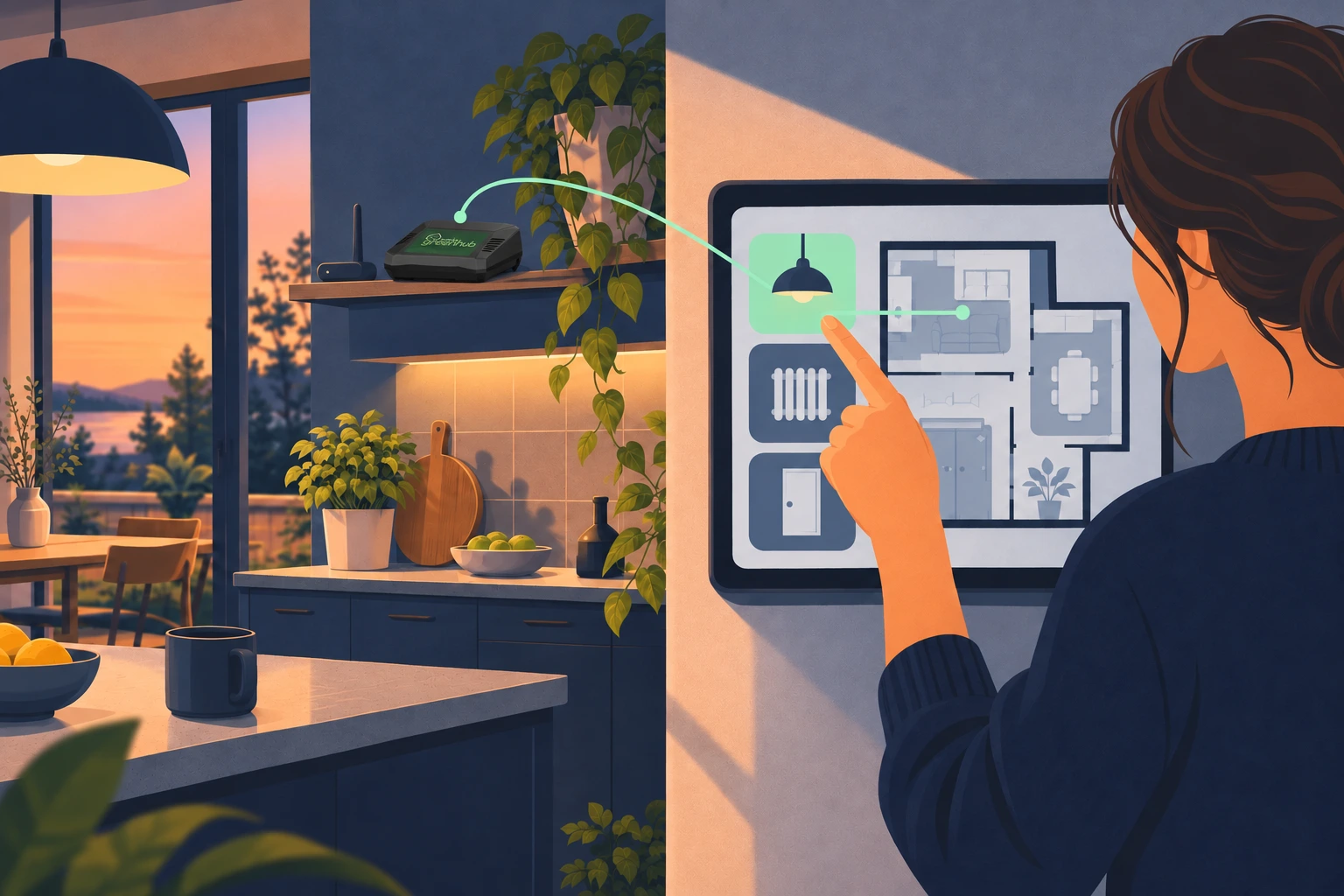
Which screen you then use is up to you: the Konihaus™ app on your phone or on a wall tablet, or, through Home Assistant's bridge to Apple Home, even a HomeView, if it comes to Switzerland one day.
In short
The screen is what you see. The hub is what you rely on. When choosing a smart home, look at the hub first.
Wondering how many hubs your home already has? Talk to Koni. The first conversation is free, with no obligation.