technology
Smart Plugs and Power Measuring: The Smallest Smart Home Part
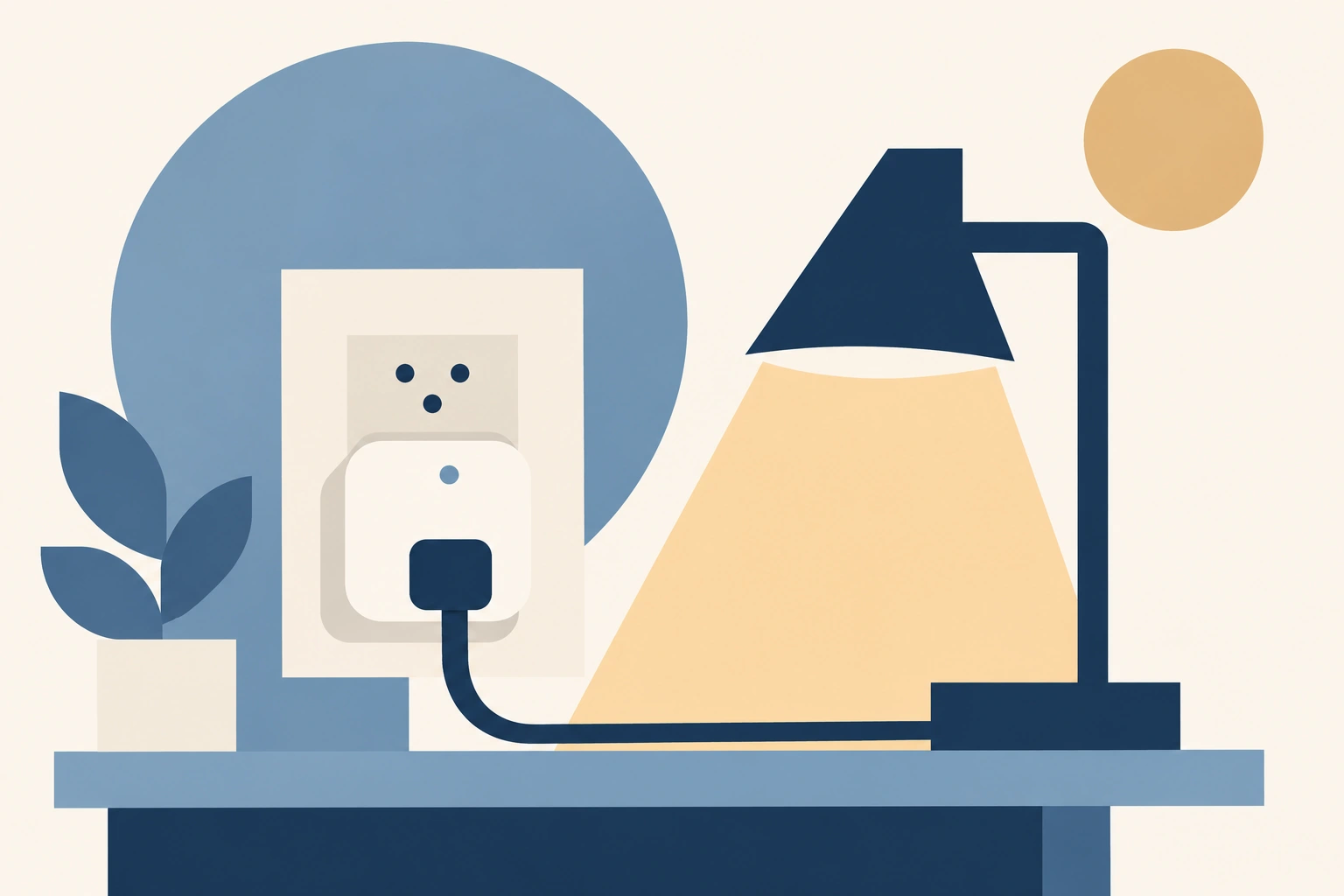
· KoniThe sensors post promised a separate post on plugs, because the smallest part of a smart home is also the one most people buy first. A smart plug sits between the wall socket and the device. It can switch the device on and off, and many can also measure how much power it draws.
This post continues the series on the parts of a smart home, after smart lights, blinds, sensors, heating, locks, cameras and smoke, CO and gas alarms.
What a plug is good for
- Making a dumb device switchable. A reading lamp, a Christmas tree, a coffee machine with a mechanical switch, a fan. The plug turns it on and off on a schedule or when something happens.
- Seeing what a device really uses. With a meter in the plug you can see the power at the moment and the energy over a day or a week. That is how you find out what the old freezer in the cellar or the television on standby costs you, instead of guessing.
- Cutting standby. Devices that sit on standby all day can be switched off completely when nobody is home.
None of this needs a new device. That is the appeal: the plug costs little and changes nothing in the wall.
Plug or switch behind the socket?
A plug is a plug-in device. You put it in the socket yourself, and it does not touch the wiring. A module that sits inside the wall, behind a switch or a socket, is work on the electrical installation. Swiss rules (the low-voltage installation ordinance, NIV) let people without an installation permit do only a narrow set of jobs there: single sockets and switches in the rooms they live in, on circuits protected by a residual-current device, and some of that work has to be inspected afterwards. Anyone who permanently connects a product to the installation needs a permit (source: ESTI notice, 2018). So I leave a module in the wall to an electrician. The plug is the part you can do alone, and for renters it is usually the right one (see smart homes for renters).
The Swiss socket
Swiss sockets are Type J, and a plug built for the European Type F will not fit properly. So the plug has to be made for Type J. That limits the choice, but there are models for the Swiss socket, including ones with power measuring. One example is the Eve Energy for the Swiss socket. The manufacturer's press release from March 2024 describes a plug with power metering rated for 10 A and 2500 W, using Matter over Thread, and says it works completely locally, without any cloud or registration. It needs a Matter controller or a Thread border router in the house (that is the job of the hub).
(Source: Eve, press release on the Swiss version.)
Three more models for the Swiss socket, as their own pages describe them on 20 November (shop pages do not always say everything, so check before you buy):
- IKEA Grillplats: Matter over Thread with energy tracking, and it needs a Thread border router. The page states neither the plug type nor the maximum load. (Source: IKEA Switzerland.)
- myStrom WiFi Switch, CH version: for Swiss plugs, Wi-Fi, with energy measurement. The page gives 10 A as the maximum, and the app needs a myStrom account. Whether control also works locally, the page does not say. (Source: myStrom.)
- Philips Hue Smart Plug: the shop page says it has a Swiss plug and works over Wi-Fi and Bluetooth, with the Hue Bridge unlocking more features. It lists no rated load and no energy measurement. (Source: Digitec.)
One warning from the same search: a Matter plug with 16 A and energy monitoring that I came across is made for the Schuko socket (Type F) only, and its page never mentions the Swiss Type J. Look for "Type J" or "Swiss plug" on the page, not just "Matter" and "16 A".
Held against the five rules below, only the Eve page states local control and no account. On the pages I read, the others leave it open, and for myStrom the app asks for an account. I name these models to show what to look for, not to recommend them.
The rule I apply to any plug:
- Made for Type J, and marked as such.
- Rated load printed on it, and higher than what you will plug in.
- Works locally. The plug should still switch if the internet is down (see when the manufacturer switches off the server).
- No account needed to use it every day.
- An open standard, so another hub could take over.
Where I would not use a plug
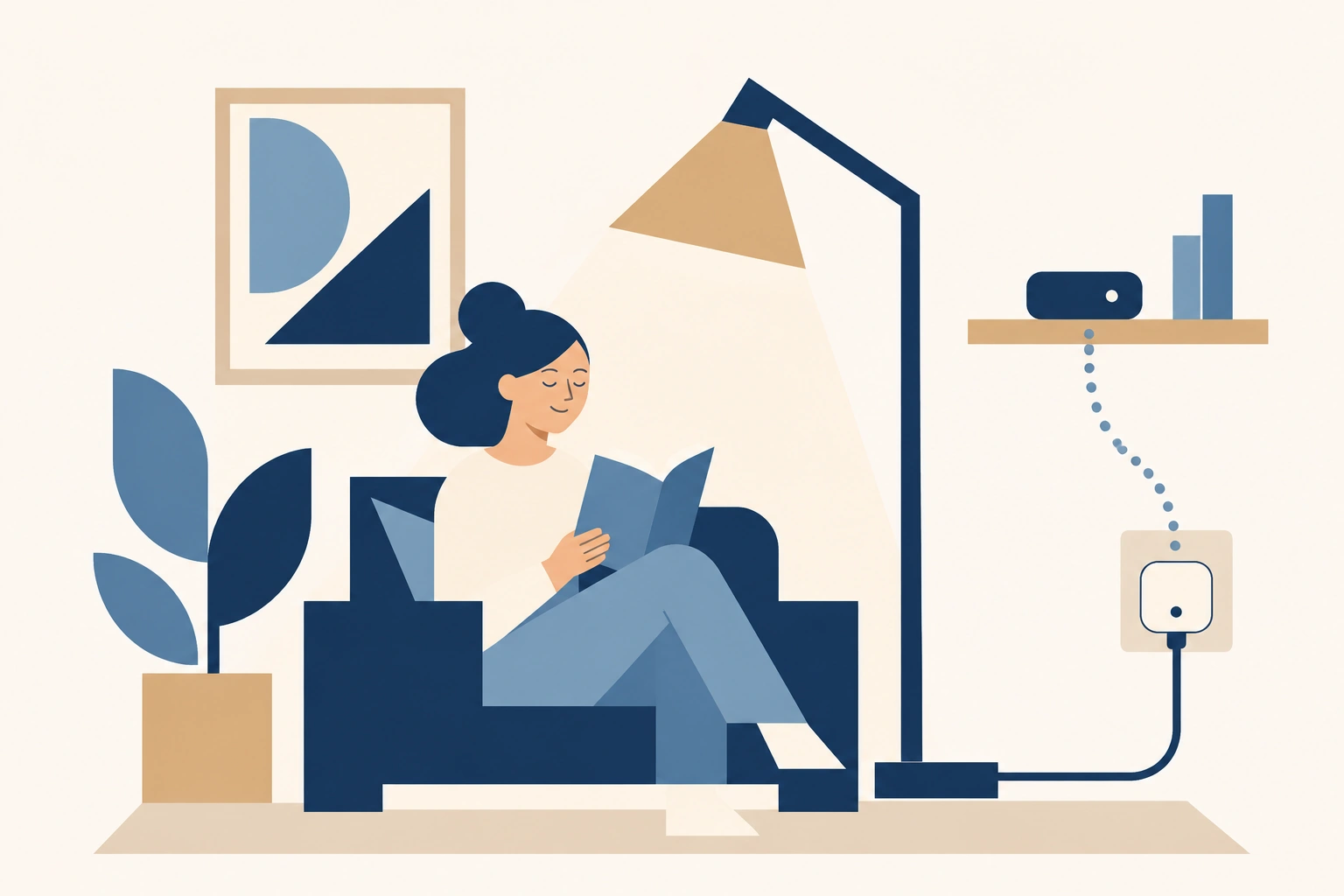
- Anything that heats and could be left on: heaters, irons, hair dryers. A plug's rated load is a limit, and heaters run at it for hours. I would not put an unattended heater on a plug, smart or not, and I would not rely on a plug to switch one off safely. (This is my own caution. I have not read an official guideline for it, so check the plug's label and the heater's manual.)
- Anything that must never lose power: the freezer, medical equipment, a router. A schedule or an automation that switches it off by mistake does real damage. If you measure a freezer, only measure it: the plug stays on.
- Safety devices: smoke alarms, as in the smoke alarm post, must never depend on a plug or a hub.
- Heating the house. Radiators go through the heating system, not through plugs (see smart heating).
Measuring: what it tells you, and what it doesn't
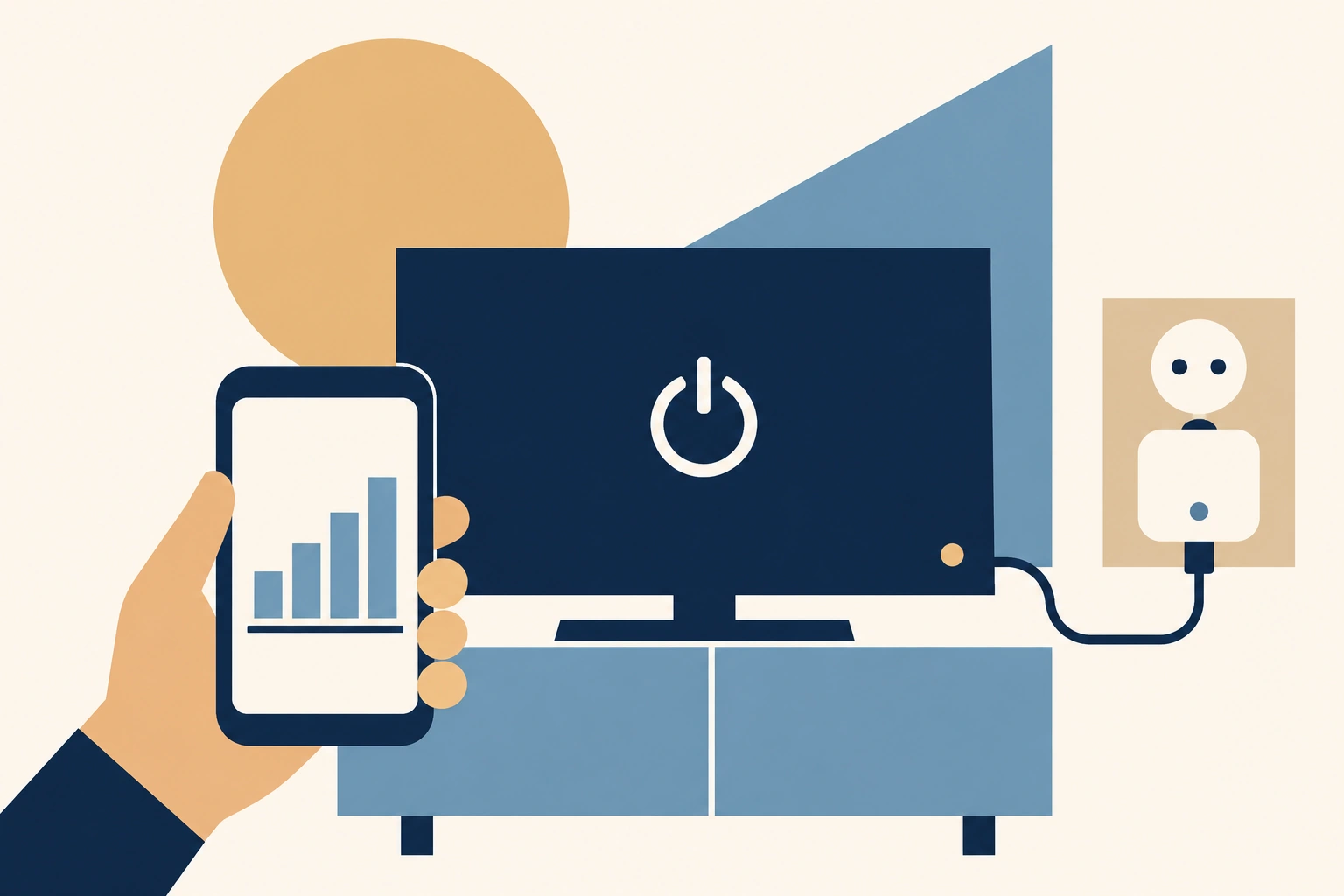
A plug with a meter tells you about one device. It shows the power at the moment and, over time, the energy. It does not tell you what the whole house uses. For that, the electricity meter is the source, and the Electricity Supply Ordinance (StromVV) says that smart meters rolled out by the end of 2027 must have a customer interface, meant to let customers use the meter's readings for things like optimising their own solar use (source: Bulletin, 2021). Since 1 January 2026 the grid operator must also tell you, on request, the technical specifications of your meter's interfaces, and it had to set guidelines for the data formats by 31 January 2026 (source: Federal Council amendment of 19 February 2025, AS 2025 139). Neither source says how detailed or live the data is, so ask your utility what yours offers. A plug and the meter's interface complement each other: the plug shows the device, the meter shows the house.
One caution with numbers: a plug's reading is good for comparing devices and spotting standby, not for billing. I do not promise savings from this. What I can say is that you will know what is using power, and knowing is the first step.
Honest limits
- Plugs add a little standby of their own. A plug is a small electronic device that is always powered, so it uses some electricity itself. For a lamp that is on for ten hours a day it hardly matters. For a device you want to cut from standby, check the plug's own figure.
- A plug does not make a device smart. It switches power. A device that needs to be started with a button after power returns will not start by itself.
- Not covered here: product ranges beyond the four I checked, and the plugs that clamp onto the main cable.
How I'd start
- Pick one device you want to switch or measure: the reading lamp, the television, the old fridge.
- Buy a plug made for Type J with a printed rated load, local control and no account.
- Measure before you automate. A week of readings shows where the standby sits.
- Keep heaters, freezers and alarms off schedules.
- Leave the wall to an electrician.
In a Konihaus home plugs work with the hub in the house, without an account at the manufacturer and without the internet. If you don't want to miss the next posts in this series, sign up for the Konihaus Blog newsletter below.
Not sure which devices are worth putting on a plug? Talk to Koni. The first conversation is free, with no obligation.